HYVE policy
Rules & Agreement
Please review both official HYVE documents before submitting your booking or payment.
HYVE House Rules
Workspace conduct, etiquette, safety, and daily use policies for all members and guests.
View PDFBooking Terms & Conditions
Official booking terms covering reservations, payments, cancellations, liability, and customer obligations.
View PDFProfessional Conduct
- Respect all members, guests, and staff.
- Harassment, discrimination, and disruptive behavior are not allowed.
- Keep conversations professional.
Workplace Etiquette
- Keep noise low in open areas.
- Use designated booths for calls.
- Only use seats or tables you need.
- Maintain a clean workstation.
Shared Spaces
- Keep common areas tidy and considerate for all.
- Clean up after yourself and return items to their proper places.
Food & Beverage
- Light food and drinks are allowed unless stated otherwise.
- Avoid strong smells in shared areas.
- Dispose of trash properly.
Internet & Equipment Use
- Wi-Fi is for work use only.
- No illegal downloads or misuse allowed.
- Handle HYVE equipment carefully and report issues immediately.
Guest & Visitors
- All guests must register at reception.
- Guests are only allowed in designated areas.
- Members are responsible for their guests' behavior.
Booking Use & Time Limits
- Reserve meeting rooms in advance.
- Adhere to time limits during peak hours.
- Vacate promptly at the end of your booking.
Privacy & Security
- Respect the privacy of others. No unauthorized photos or recordings.
- Do not access or use another member's belongings.
- HYVE is not responsible for unattended personal items.
Health & Safety
- Keep walkways and emergency routes clear.
- Report spills and hazards immediately.
- Follow HYVE staff emergency instructions.
Prohibited Items & Activities
- Smoking, vaping, alcohol, and illegal substances are strictly prohibited.
- Any illegal or unsafe activity will result in immediate removal.
Cleanliness Policy
- Follow a clean desk policy.
- Avoid leaving personal items overnight unless permitted.
- Maintain hygiene in shared areas.
Damages & Liability
- Members are liable for damage to HYVE property.
- Theft or intentional damage may lead to membership termination and legal action.
Violation of Rules
- Verbal and written warnings
- Temporary suspension of access
- Termination of membership without refund
Agreement
By checking the agreement box, you confirm that you have read, understood, and agreed to follow both the official HYVE House Rules and the official HYVE Booking Terms & Conditions during your booking and while using the workspace.
These policies apply to members, guests, and all workspace users inside HYVE.
Room availability
Select a room first
Blocked dates for long-stay booking will appear here.
Select a room first so HYVE can load its blocked dates.
Room preview
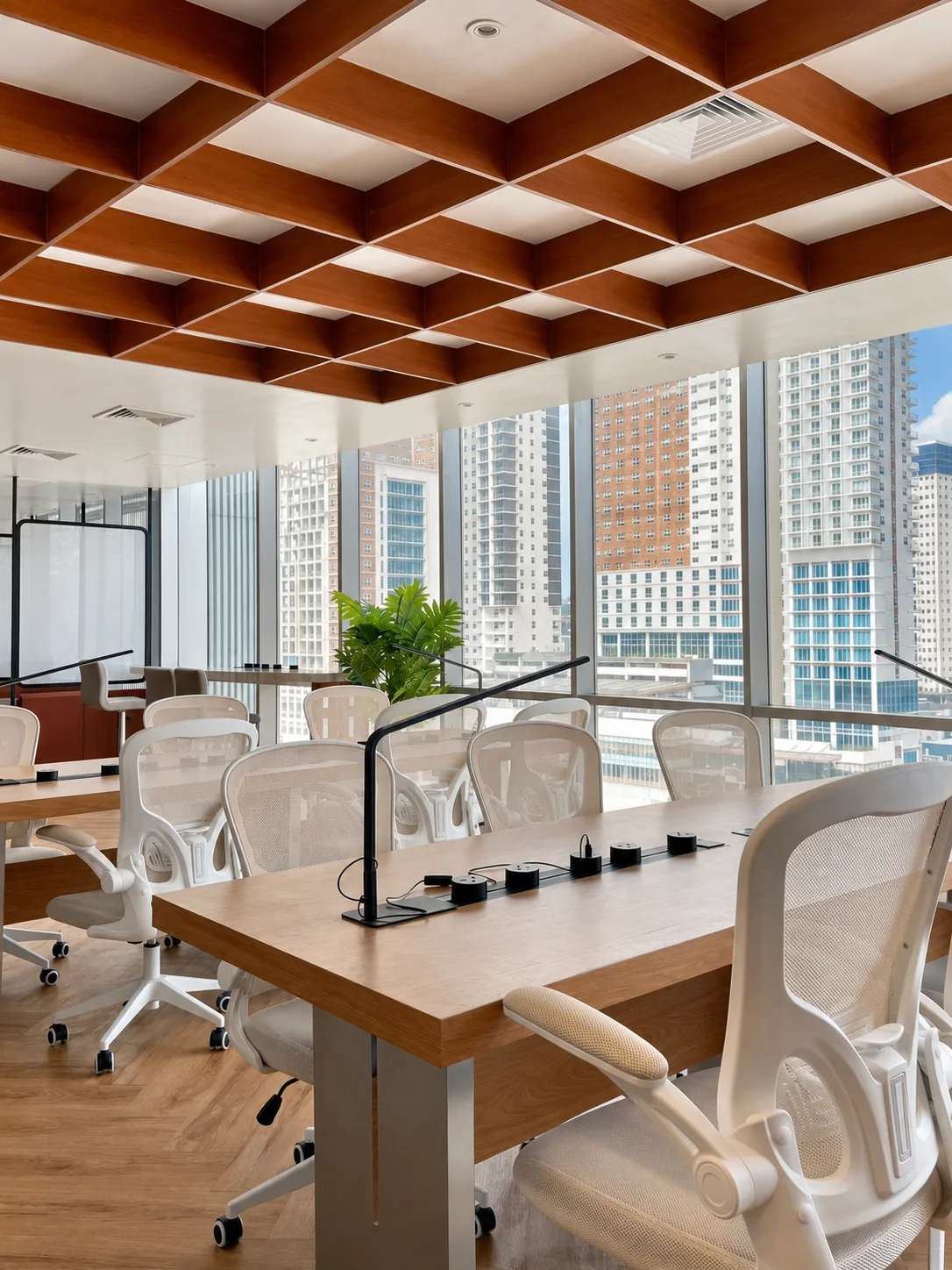
Common Area
Common Area
A shared seating area. Your exact table will be assigned automatically based on availability.
 Swipe
1 / 1
Swipe
1 / 1